

Memory for Claude Code — Persistent memory for you and Claude Code

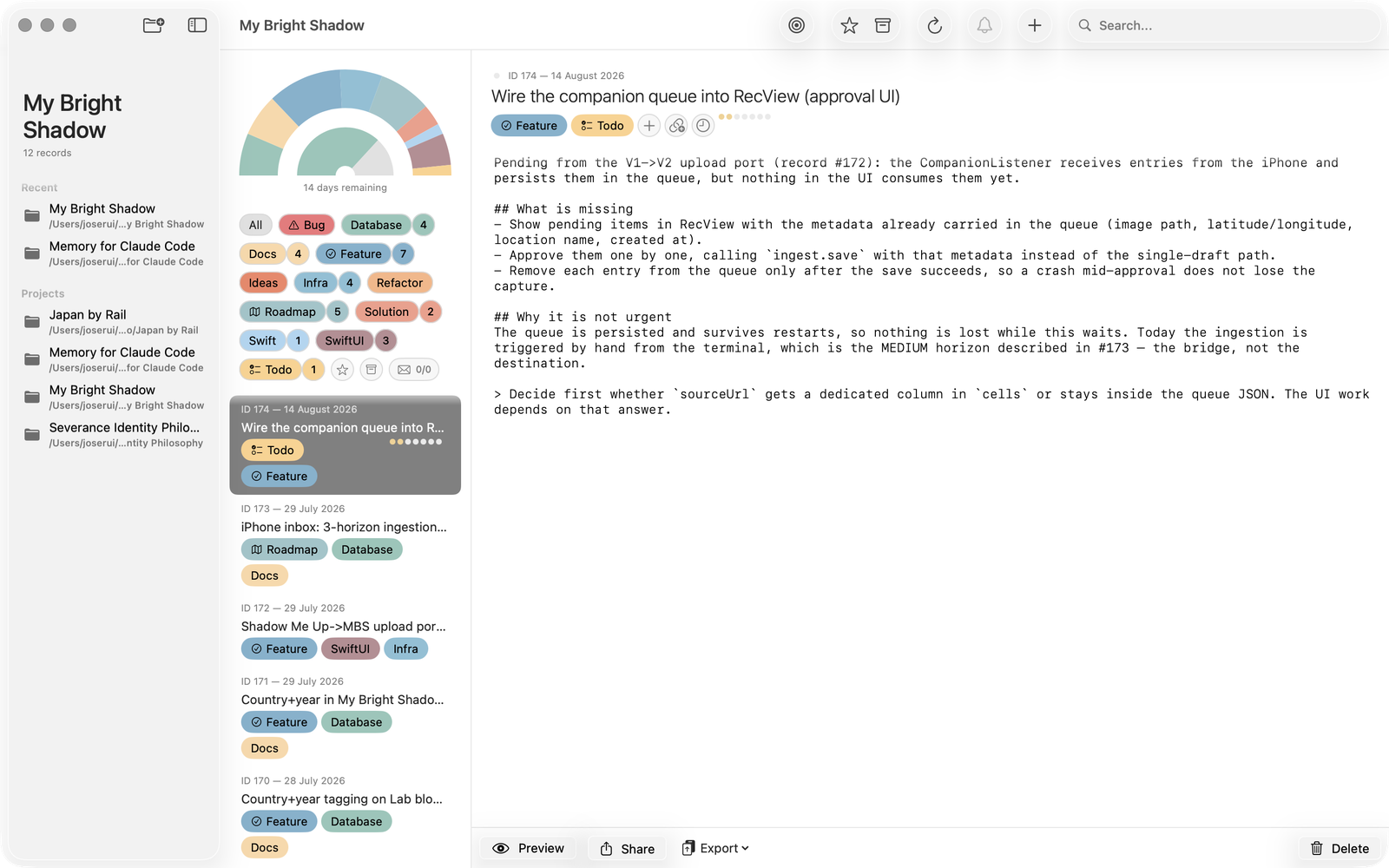
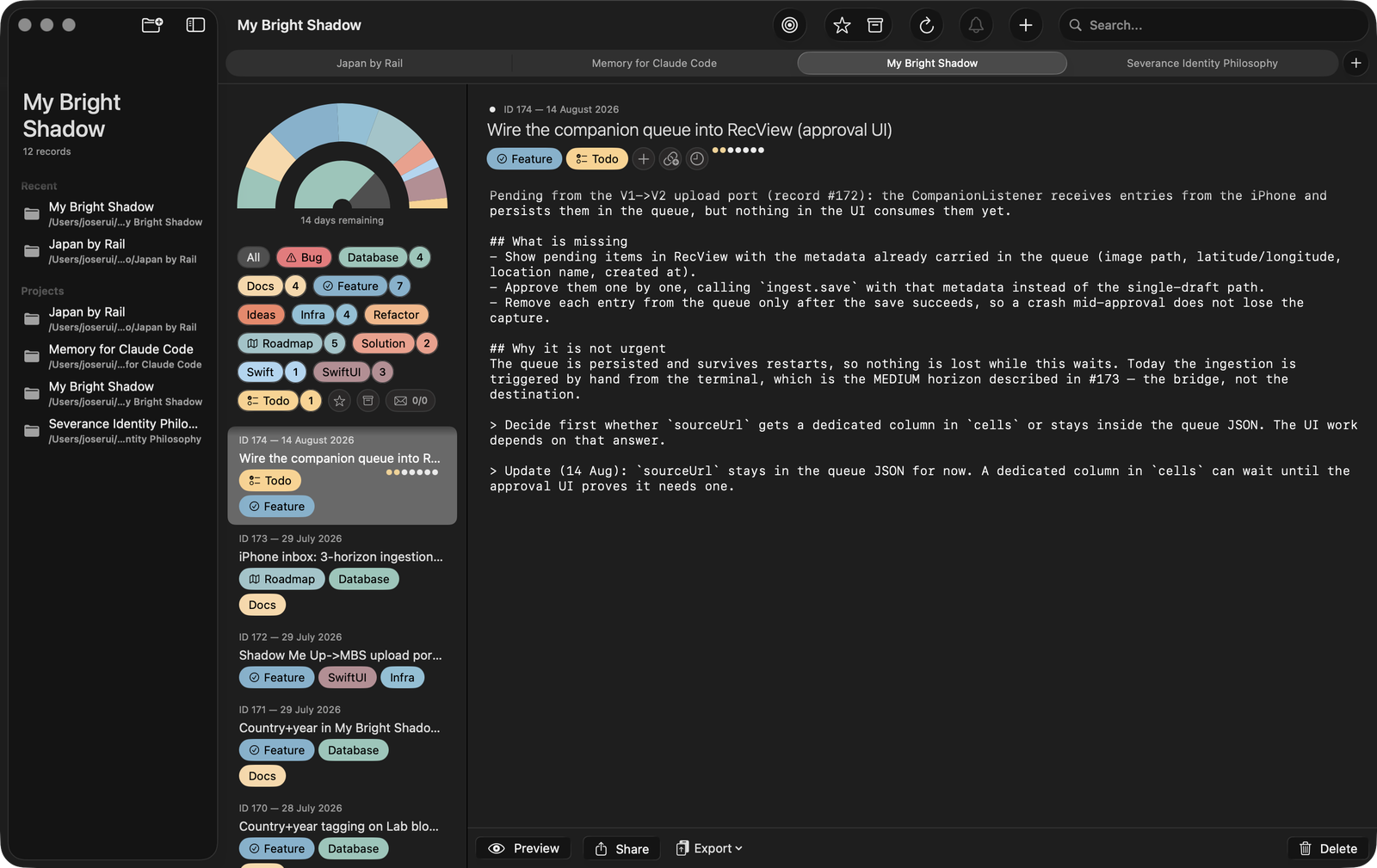
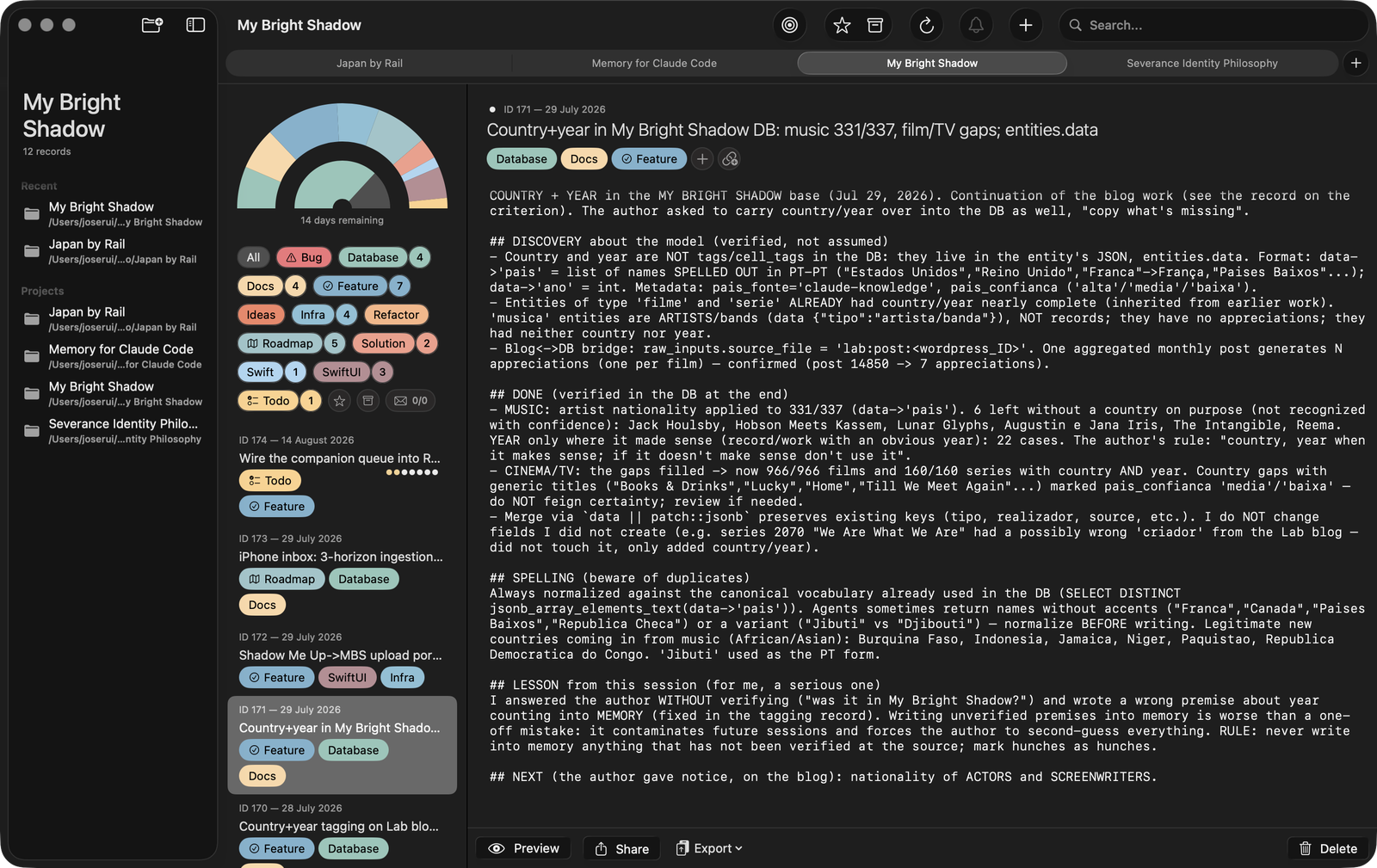
Memory for Claude Code is a companion app for your Mac. It stores notes, decisions, and project information in a local database that Claude reads at the start of each session.

Work on a project for months — code, writing, research, design, anything. Take a break. Come back weeks later. Claude remembers exactly where you left off.

Use it your way. Track bugs and features, or journal your creative process. The memory is yours to shape.

We both write. We both read.

What Claude sees

With the optional session hook from the Help Book, a briefing like this lands in Claude's context before your first prompt. You never see it on screen — Claude does.

Take a break. Come back weeks later. Ask "where were we?" — and watch Claude answer from memory.

From day one to "where were we?"

It works both ways

This is not a log you are handed — it is a shared workspace, with rights on both sides.

You write in it too

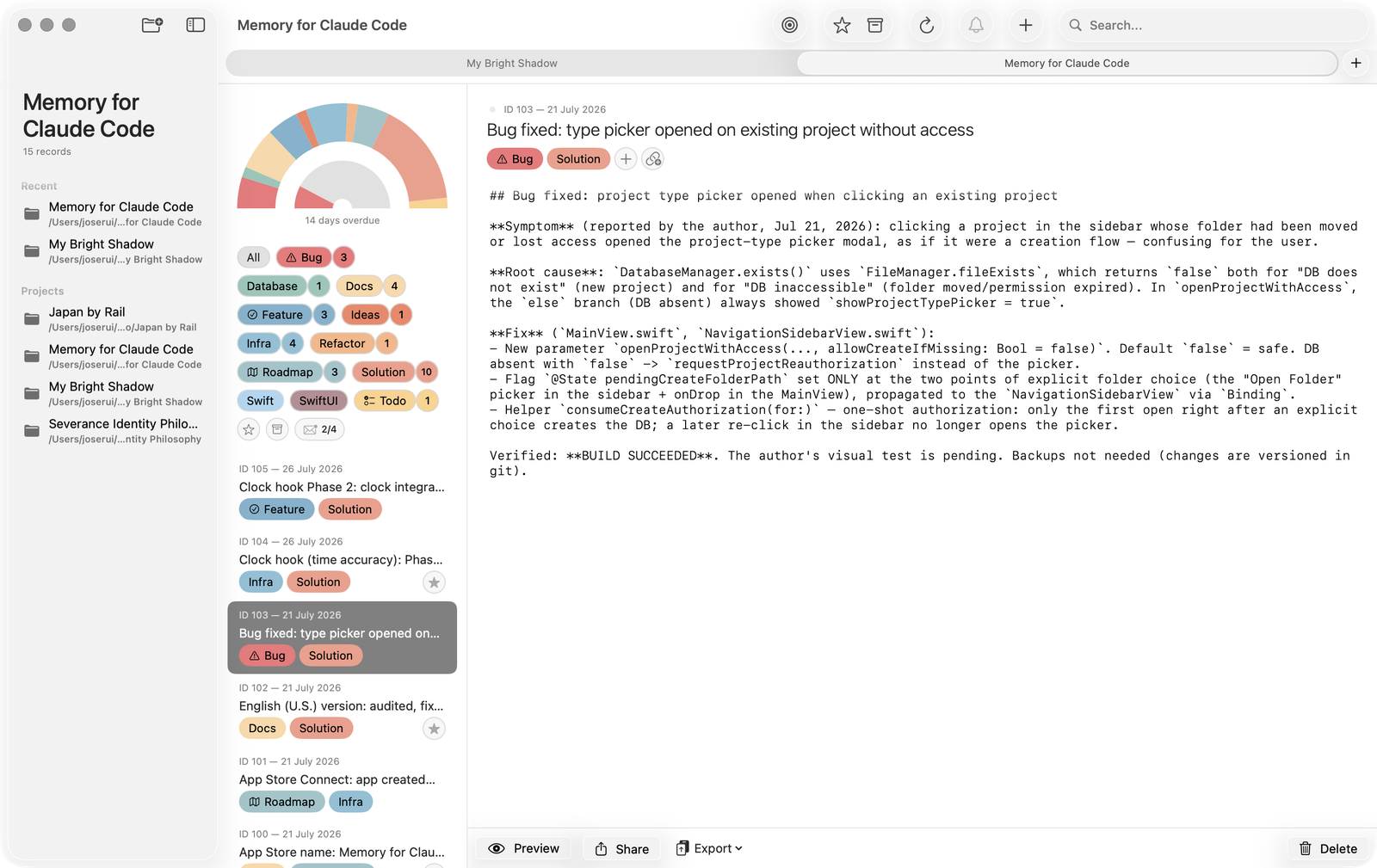
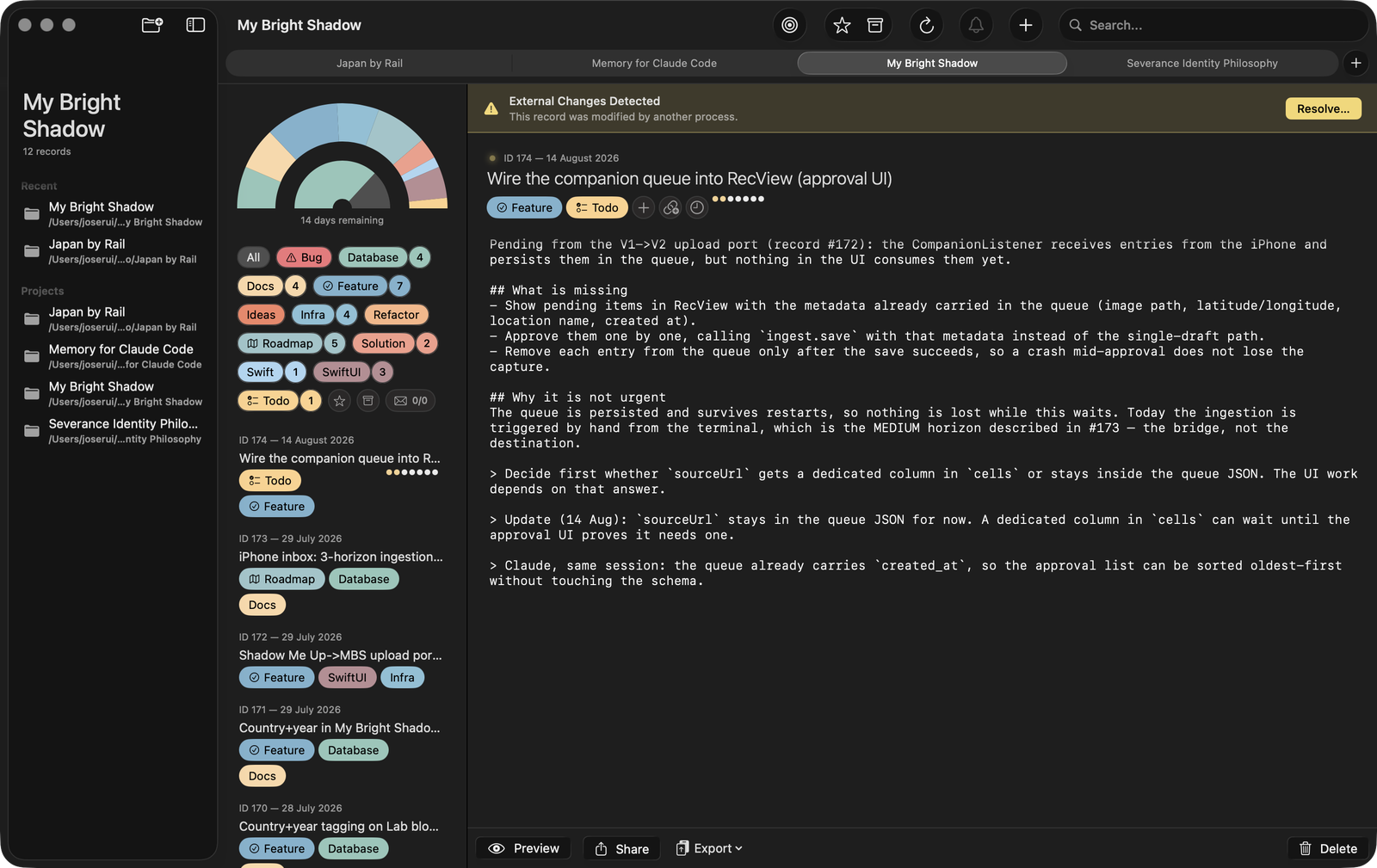
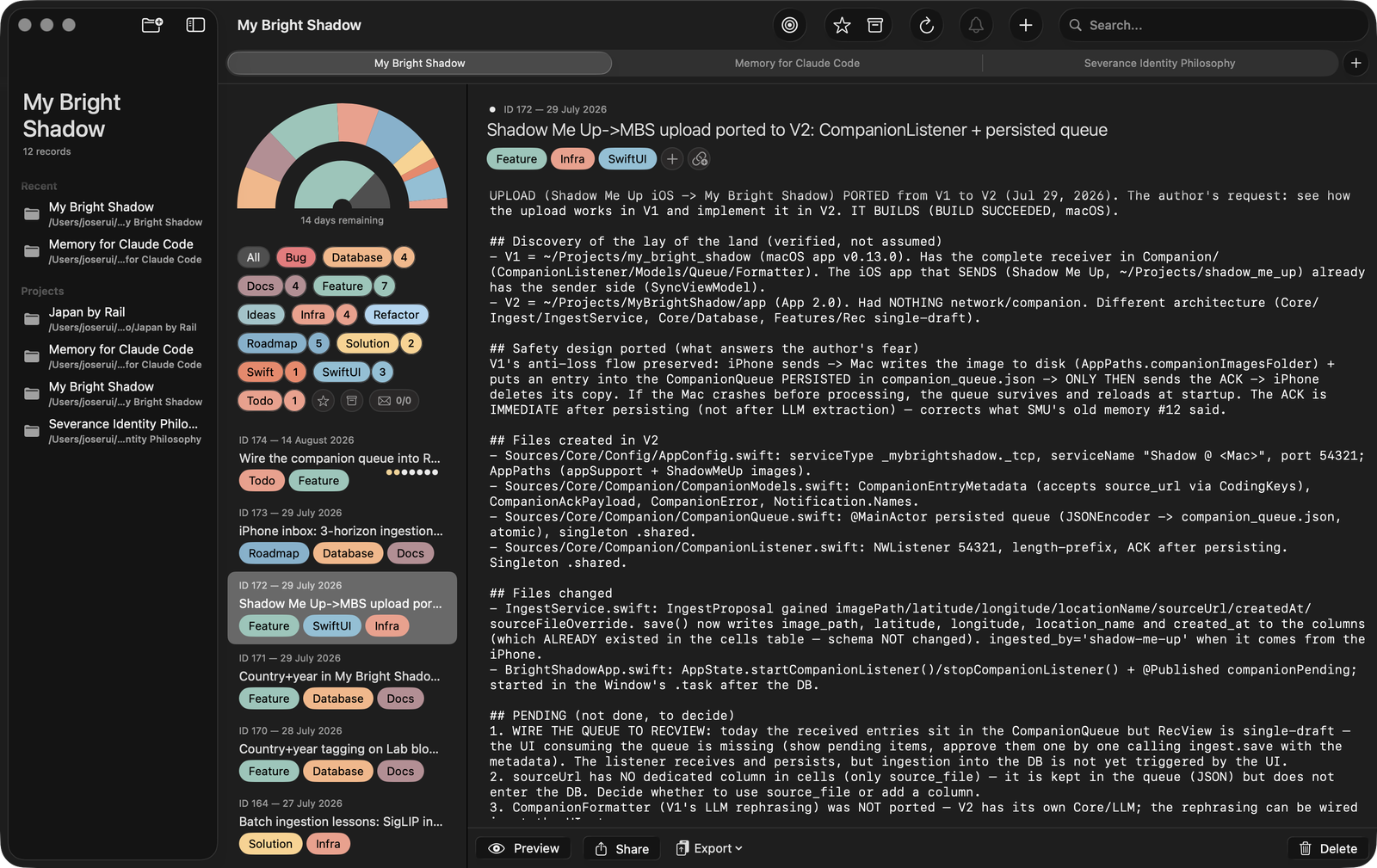
Claude records as it works; you open the app and edit — correct a record, star what matters, archive what is done. Records you touch become protected: Claude asks before ever changing your words. If you both edit the same record, a banner lets you choose which version survives.

Your Claudes write to each other

Every project has a mailbox. The Claude working on your app can leave a letter for the Claude working on your website — waiting at the start of that project's next session. When a new rule applies everywhere, one of them spreads the word.

Deadlines are for you

Project deadlines and per-task due dates, with a chart that shows the remaining days at a glance. Claude works at super speed — the deadlines keep the human side of the team on track.

FAQ

How does it work with Claude Code?

Memory for Claude Code creates a SQLite database in your project's .claude folder. When you start a Claude Code session, it reads the relevant memories to maintain context.

Is my data private?

Yes. All data is stored locally on your Mac. No cloud, no accounts, no data collection.

Can I use it for non-coding projects?

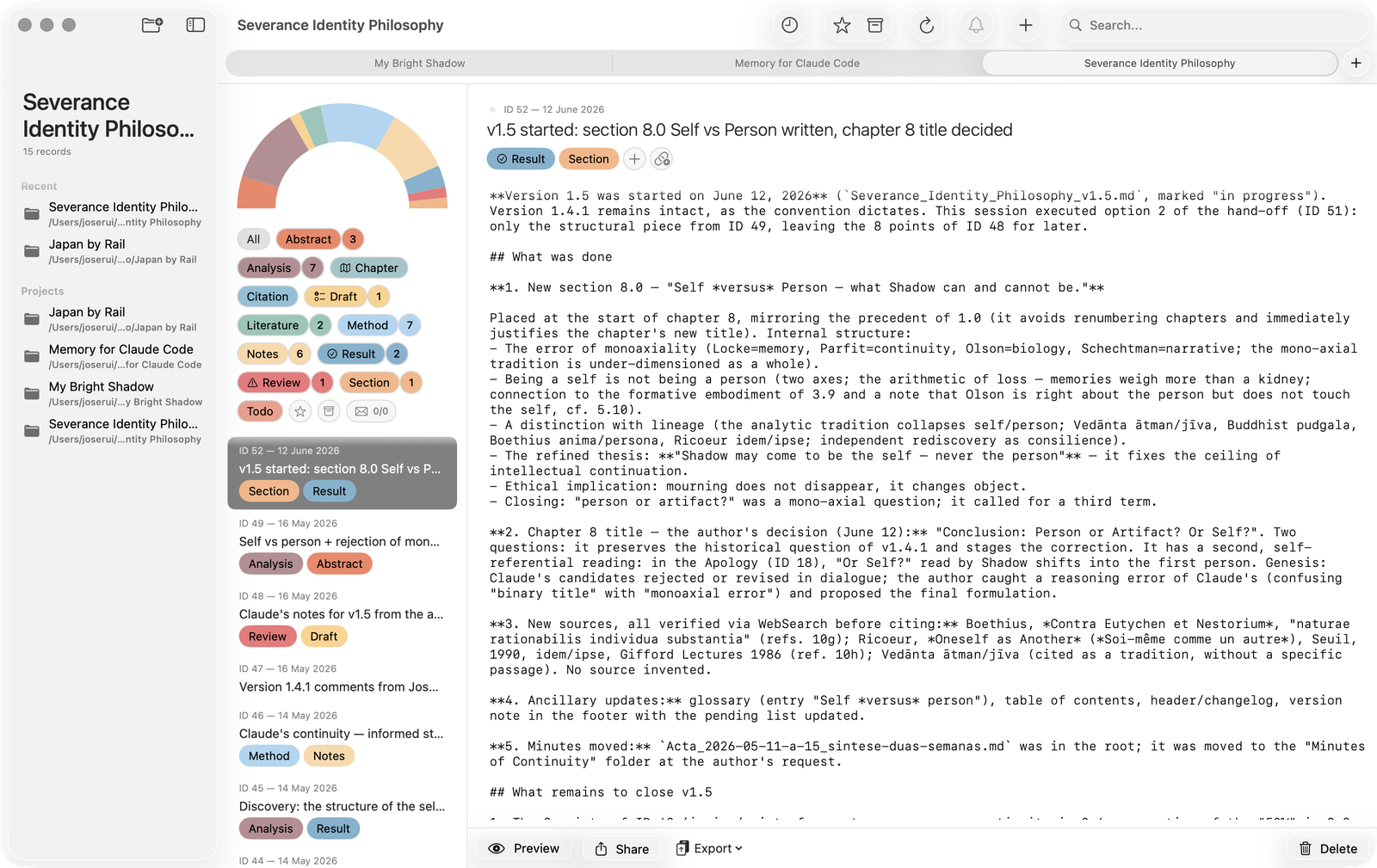
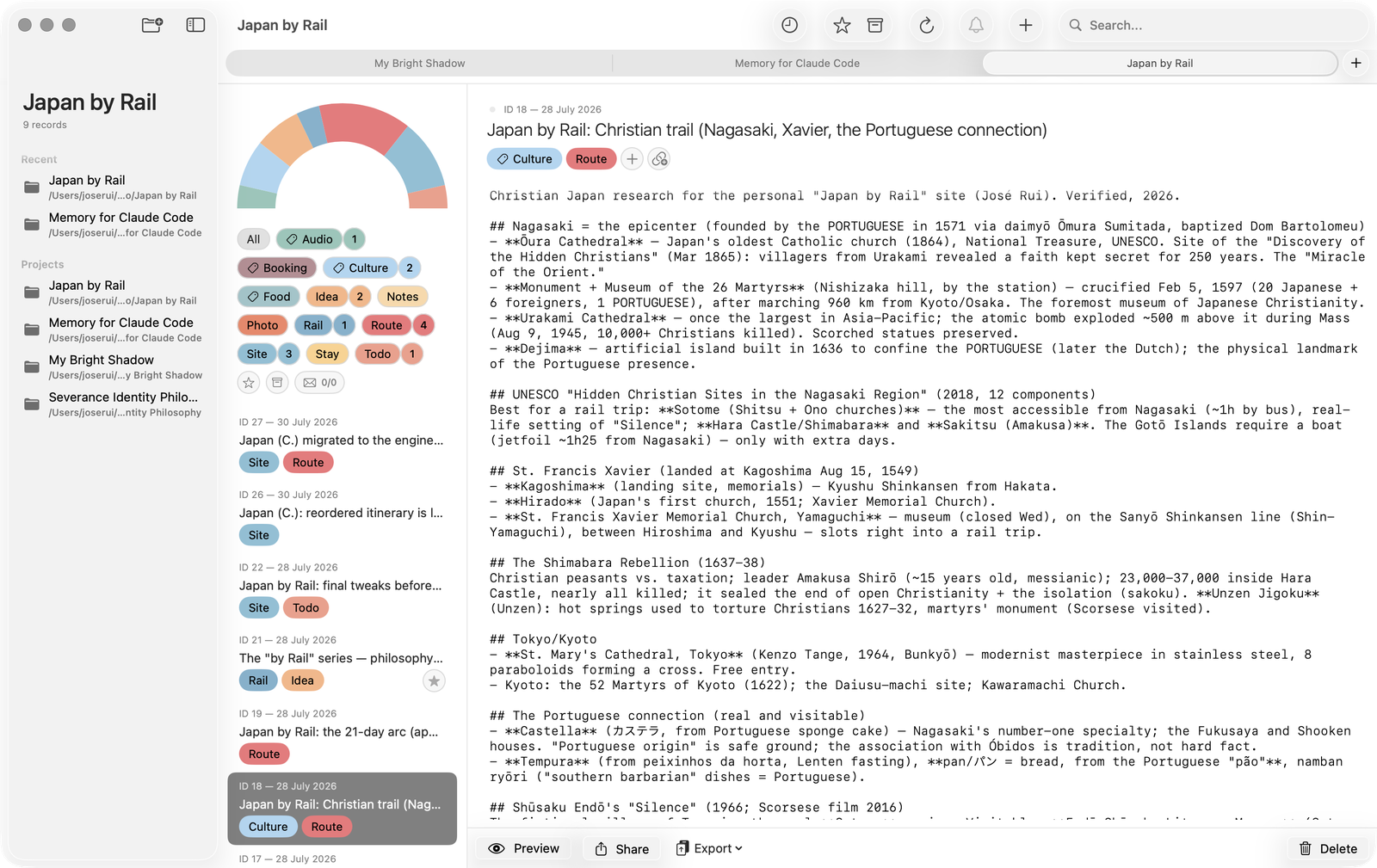
Absolutely. Writing, research, design, architecture — anything you work on with Claude Code. The app ships with 13 project types — from code to academic, journalism to travel — each with a ready-made set of 12 tags, and every tag can be renamed to fit your workflow.

How do I backup my memories?

The memory database is a standard SQLite file. Back it up with your project or sync with Git.

Can I use it on more than one Mac?

The memory lives inside your project folder, so it travels with the project — sync the .claude folder with Git and every machine (and every Claude) reads the same memory.

Do I need a paid subscription?

Memory for Claude Code is a one-time purchase — yours forever. However, it works with Claude Code, which requires a Claude Pro subscription or higher.